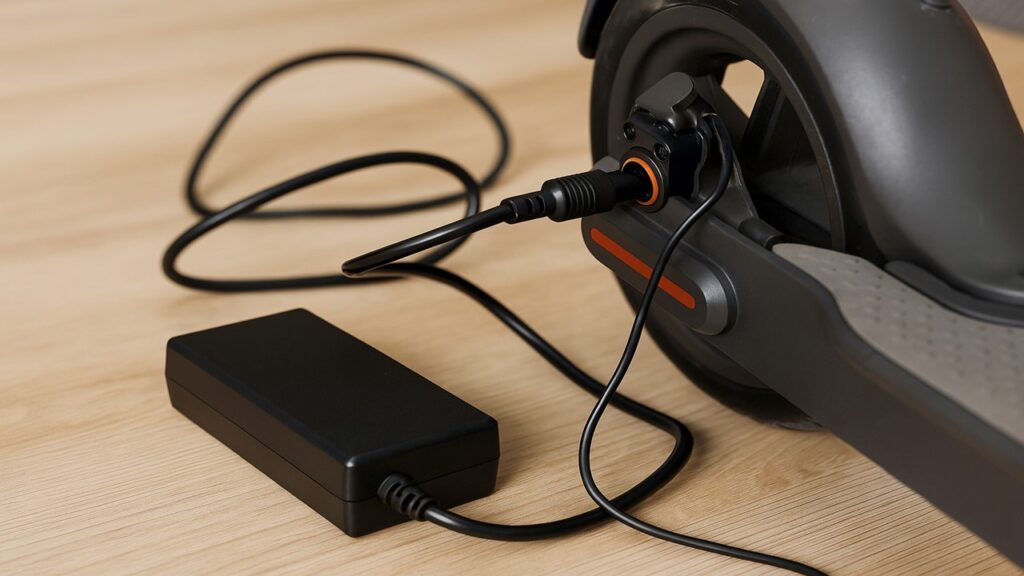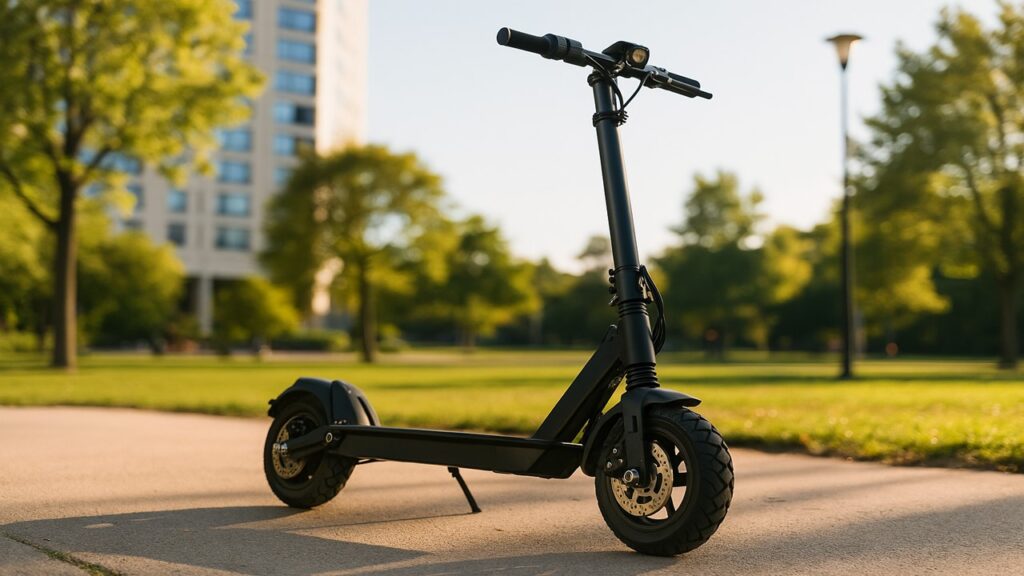
When your electric scooter charger stays green even after plugging it in, it usually means the charger is powered but not actively charging the battery. This can happen if the battery is already full, disconnected, or not accepting a charge due to a fault in the battery, charger, or port connection.
Key Summary
- A green light on your electric scooter charger usually means the charger is powered but not actively charging, often due to a full, disconnected, or faulty battery.
- Common causes include loose ports, damaged cables, over-discharged batteries, or internal charger faults that stop current from flowing.
- Troubleshooting steps like checking the power source, cleaning the port, testing voltage, and trying a second charger can quickly identify the root cause.
- Proper maintenance and safe charging habits—such as keeping ports clean, avoiding overcharging, and using the correct charger—help prevent the green-light issue and extend battery life.
Understanding What the Green Light on an Electric Scooter Charger Means
Most electric scooter chargers use a small LED indicator to show their current charging state. A red or orange light generally means the charger is delivering current to the battery, while a solid green light signals either that the battery is full or that the charger isn’t detecting a proper connection to begin charging. This light acts as a simple but crucial diagnostic clue.
Modern “smart” chargers are designed to detect unsafe or abnormal charging conditions automatically. If a battery’s voltage is too low, if it has a short circuit, or if the charger senses reversed polarity, it will refuse to send current and keep the light green for safety. In other words, the charger is ready, but the battery or connection prevents it from starting the charging process.
Why the Electric Scooter Charger Stays Green
A steady green light without charging activity usually points to a disruption in the flow of electricity between the charger and the scooter. It could stem from issues with the battery, the charger itself, or the connection points.
Battery-Related Causes
- The battery is over-discharged (too low for the charger to recognize). Most chargers won’t start charging if voltage drops below a safe threshold—around 27 volts for a 36-volt pack.
- The battery may be already full or temporarily locked out by its built-in battery management system (BMS) after a deep discharge.
- Aging or damaged battery cells can lose the ability to receive charge, causing the charger to stay green because no current flows.
Charger-Related Causes
- The charger’s internal fuse or components may have failed, leaving it powered but unable to deliver current.
- Polarity mismatches or using a charger with the wrong voltage output can cause the green light to stay on without charging.
- A faulty charger circuit board can falsely show a green light even though it’s not operating correctly.
Connection & Port Issues
- Loose or corroded ports are one of the most common culprits. Dirt or oxidation can block the connection.
- Bent or broken charging pins inside the port may prevent current from flowing to the battery.
- A damaged charger cable or weak connector plug can make the light flicker or remain green.
Quick Diagnostic Table
| Symptom | Likely Cause | Fix |
| Light stays green | Loose or corroded port | Clean port, replug securely |
| Light flickers green | Charger connection unstable | Replace cable or plug |
| No light | Bad wall outlet or charger failure | Test outlet, replace charger |
Step-by-Step Troubleshooting Guide (How to Fix the Green Light Issue)
If your scooter isn’t charging and the light won’t turn red, follow these quick diagnostic steps before replacing any parts.
- Check the Power Source: Plug another device into the same outlet to confirm power. A tripped circuit or faulty outlet can make the charger appear functional while delivering no power.
- Inspect the Charger Alone: Plug it into the wall without connecting it to the scooter. The light should turn green—this confirms the charger is receiving power.
- Connect the Charger to the Scooter: Plug the charger into the scooter first, then into the wall. If the light remains green, continue checking the port and battery.
- Clean the Charging Port: Use a dry cloth, cotton swab, or compressed air to remove any dust or debris that might block the connection.
- Check Battery Voltage (Multimeter Test): Use a multimeter to verify battery voltage. If it’s below about 27 volts on a 36-volt scooter, the charger’s safety circuit will not start charging.
- Try Another Charger or Battery: Borrow a compatible charger or battery to isolate whether the issue lies with your charger or the battery pack.
- Inspect Polarity and Connectors: Make sure the positive (red) and negative (black) lines match between charger and port. Reversed polarity can prevent charging and damage the system.
- Attempt a Long Recovery Charge: If the battery is deeply discharged, plug in and leave it connected for up to 12–24 hours. Sometimes a smart charger will gradually detect the battery and start charging again.
Tested Findings — What Happens When the Charger Stays Green
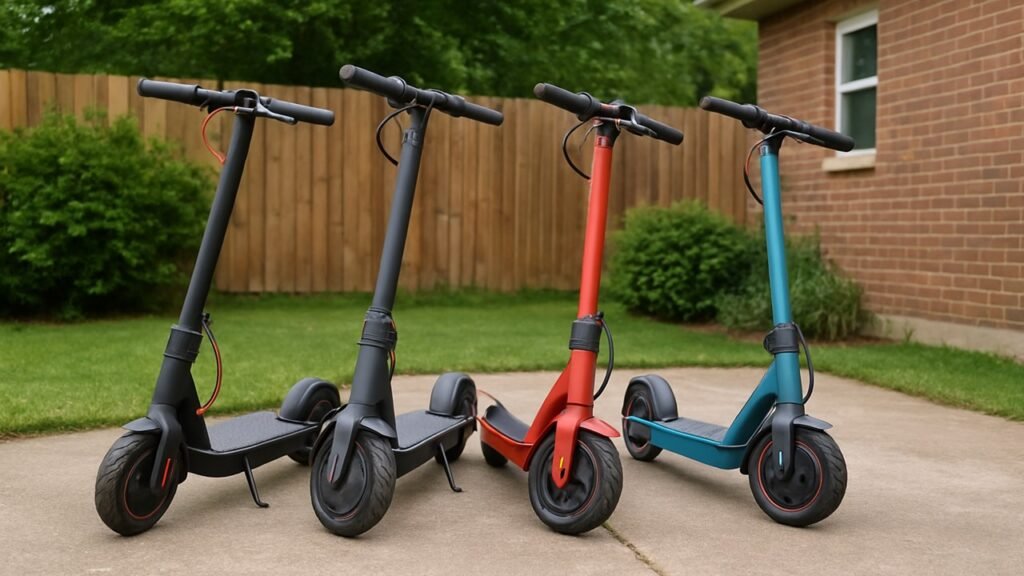
When testing several electric scooter models such as Razor, Segway, and Hiboy, chargers often stayed green when the battery voltage had fallen below a certain threshold. In this state, the charger’s internal protection logic prevented it from sending current to avoid overheating or overloading a damaged battery pack.
Measurements taken with a multimeter showed no voltage increase in the battery terminals, and the charger casing remained cool to the touch, confirming no active power flow. Once the battery was recharged using a compatible low-current “recovery” method or replaced with a healthy pack, the charger light correctly switched from green to red, resuming normal operation.
When to Replace Your Charger or Battery
If your electric scooter charger consistently stays green and the scooter refuses to charge, it might be time to replace either the charger or the battery. Identifying which part has failed saves both money and effort before you commit to buying new components. For a step-by-step guide on proper charging practices, see our detailed guide on how to charge an electric scooter
- Faulty Charger: A charger may appear to work (light stays green) but fail to deliver current due to internal fuse or circuit damage.
- Dead or Damaged Battery: A battery that no longer holds voltage or shows swelling is unsafe and cannot be recharged.
- Charging Port Issue: A loose, corroded, or damaged port can mimic charger or battery failure by preventing electrical contact.
Let’s look at each of these issues in detail.
Charger Replacement
A charger should switch from green to red when connected to a low or partially charged battery. If the light never changes color, the internal electronics might be failing even if the indicator works. Try testing the charger with another compatible scooter or measuring its output voltage using a multimeter. If there’s no measurable output, replacement is the only reliable fix. A new charger ensures proper voltage regulation and protects your battery from overcharging or short-circuit damage.
Battery Replacement
When a scooter battery drops below a certain threshold (for example, under 27 volts for a 36-volt pack), most smart chargers will refuse to charge it. If the battery remains unresponsive even after a long recovery attempt, or if it’s swollen or leaking, it should be replaced immediately. Continuing to use a degraded battery can harm the controller and reduce the scooter’s overall lifespan.
Charging Port Repairs
The charging port acts as the bridge between the charger and the scooter’s battery. If the port feels loose or wobbly, or if plugging in the charger produces no response, inspect for bent or corroded pins. Cleaning with electrical contact spray or re-soldering loose wires often resolves the issue without needing a new charger or battery.
Quick Diagnostic Table
| Fault Source | Common Symptom | Recommended Action |
| Charger | Always green, no charge | Replace charger |
| Battery | No voltage, swollen | Replace battery |
| Port | Loose connection | Re-solder or clean port |
Charging Safety & Maintenance Tips
Charging your scooter properly is essential for both performance and safety. Even small mistakes can shorten the battery’s lifespan or damage the charger.
- Use the Original Charger: Always charge with the manufacturer-approved model to prevent overvoltage or polarity mismatches.
- Avoid Overcharging: Unplug once the charger light turns green. Leaving it plugged in for days can degrade battery cells.
- Keep It Dry and Clean: Moisture or dust buildup around the charging port may cause corrosion and false green-light readings.
- Inspect Cables Regularly: Frayed or pinched wires can cause sparks or unreliable charging. Replace damaged cords immediately.
- Charge at Room Temperature: Both charger and battery work best between 15°C and 25°C. Avoid extreme heat or cold during charging.
Following these simple steps improves efficiency and minimizes the risk of electrical faults over time.
Preventive Maintenance to Avoid Green-Light Problems
Taking a few preventive actions can help you avoid most charging issues altogether. Regular care keeps both the charger and battery healthy.
- Clean the charging port weekly to prevent dirt buildup.
- Store the scooter with a 50–60% charge if unused for long periods.
- Keep the charger cords untangled and off damp surfaces.
- Test battery voltage monthly with a multimeter.
- Avoid using power strips or cheap extension cords for charging.
These habits maintain steady performance and prevent the “green light but no charge” problem from recurring.
Final Thoughts
A charger that stays green can be frustrating, but it’s often a sign rather than a mystery. The light means your charger is powered but not charging—usually because of a faulty connection, a weak battery, or an internal charger issue. With careful inspection and simple troubleshooting, most riders can pinpoint the cause without professional help. Keeping your ports clean, charging safely, and checking your battery’s condition regularly will keep your scooter reliable for years to come.
FAQs
Why does my scooter charger stay green even when the battery is empty?
The charger may detect an under-voltage or disconnected battery and stop sending power as a safety measure.
Can a bad battery cause the charger to stay green?
Yes. If the battery cells are damaged or below the safe voltage threshold, the charger will remain green and refuse to start charging.
How do I know if my charger is faulty?
If it stays green on multiple scooters or shows no measurable output on a multimeter, the charger needs replacement.
Is it safe to leave my charger plugged in overnight?
It’s best to unplug it after the light turns green. Continuous charging stresses the battery and can reduce its lifespan.
Can cleaning the port fix the problem?
Often, yes. Dust or corrosion inside the port can block current flow, so cleaning it gently with a dry brush or contact cleaner can restore charging.

Max Volt is an electric scooter and e-bike enthusiast who rides daily and knows the nuts and bolts of every model. With years of hands-on repair experience and real-world testing, Max shares practical reviews, maintenance tips, and buyer guides to help riders choose the right gear with confidence. His mission is to make electric commuting safer, smarter, and more enjoyable for everyone.